Veeam Backup & Replication
ZERO-Z3 works as an S3-compatible object repository in Veeam Backup & Replication 12 and later, as a direct backup target or as the capacity tier of a scale-out backup repository. Immutable backups need a bucket with Object Lock, which is a creation-time setting: choose it when you order the account.
Before you start
- An account with Object Lock if you want immutability (Veeam uses compliance mode).
- Region endpoint and region name, see S3 clients.
- An access key and secret key from the customer portal.
Add the repository
Backup Infrastructure → Backup Repositories → Add Repository → Object storage → S3 Compatible.
- Name the repository.
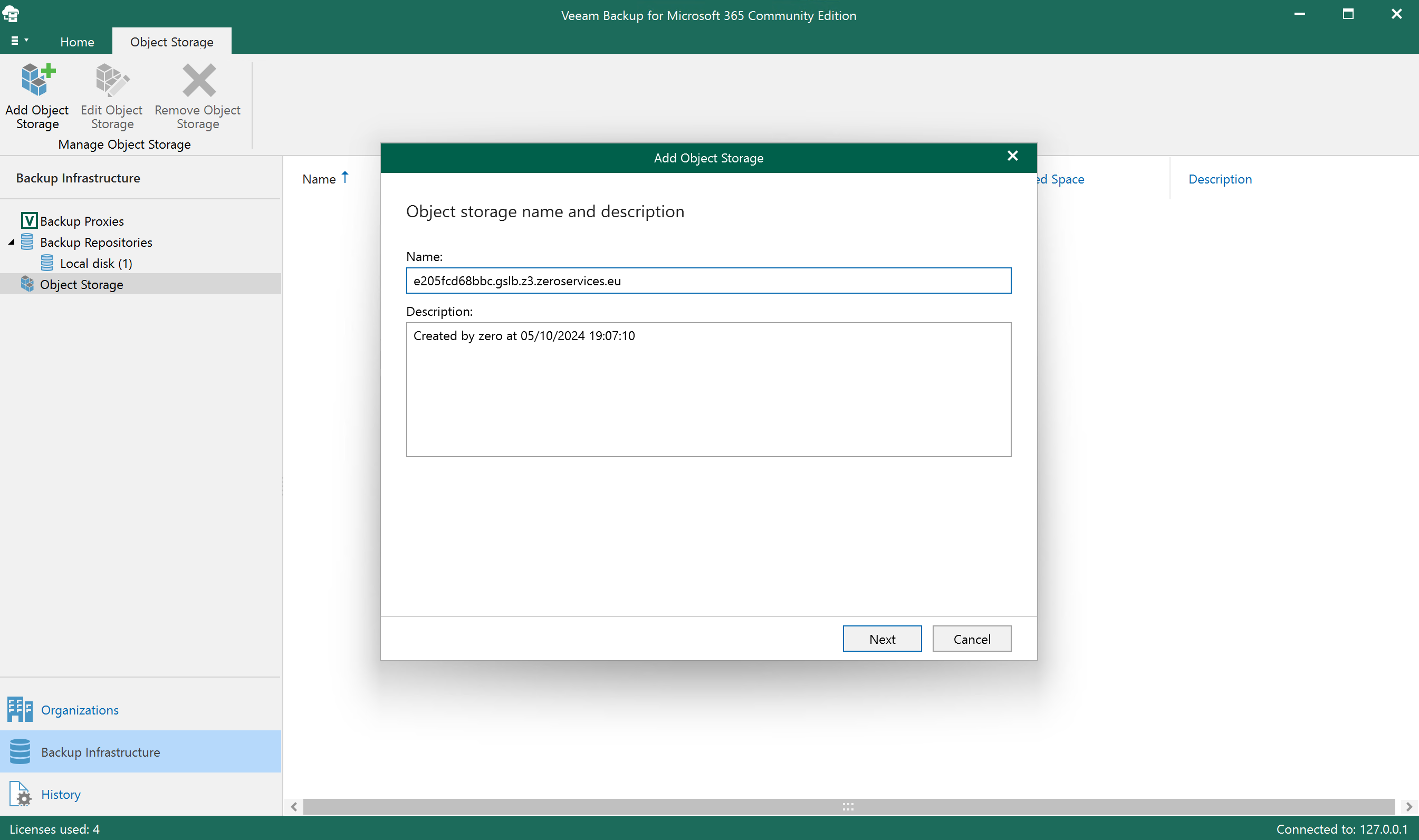
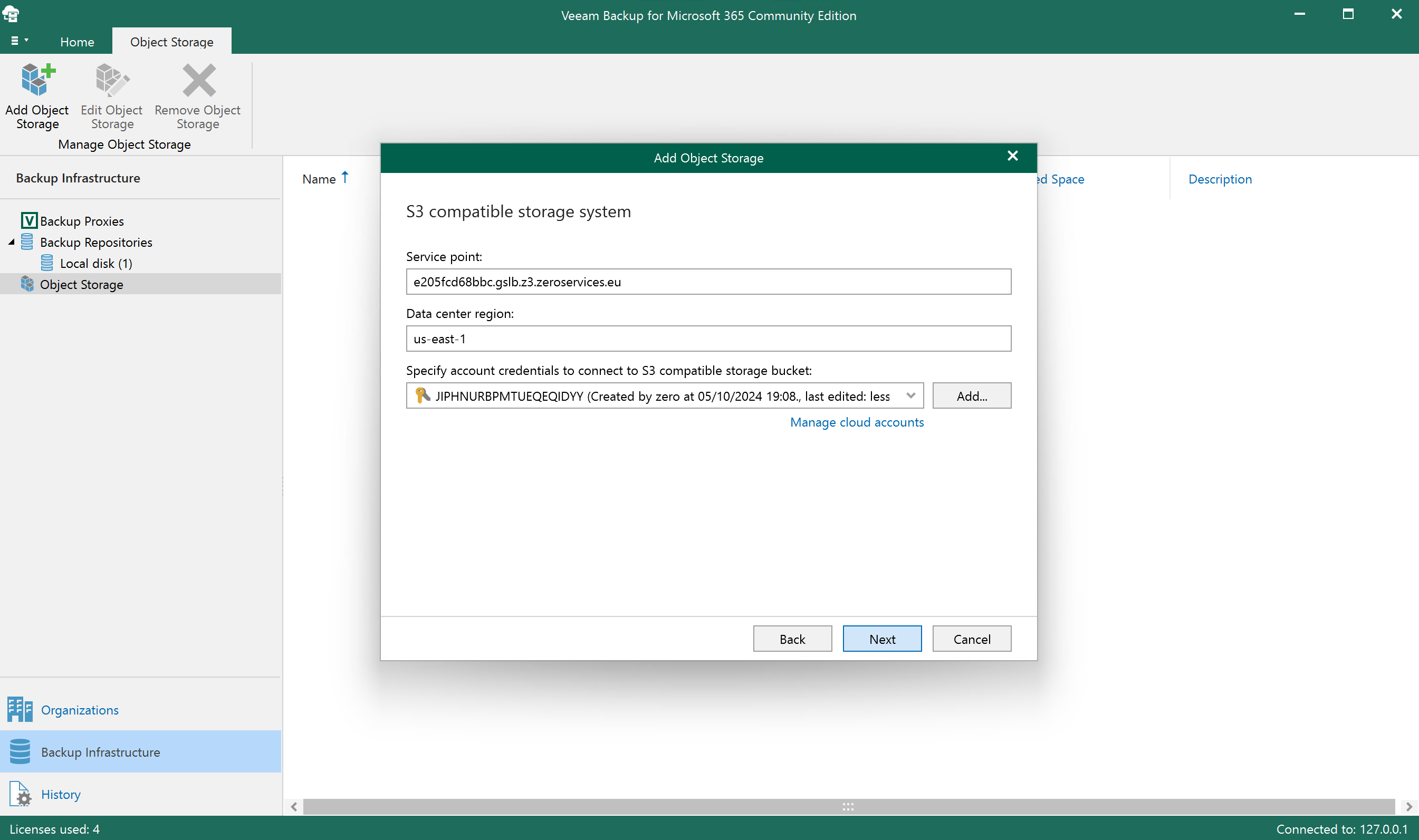
- Service point
REGION.s3.zeroservices.eu, regionzero-fra2,zero-fra1orzero-eyl1.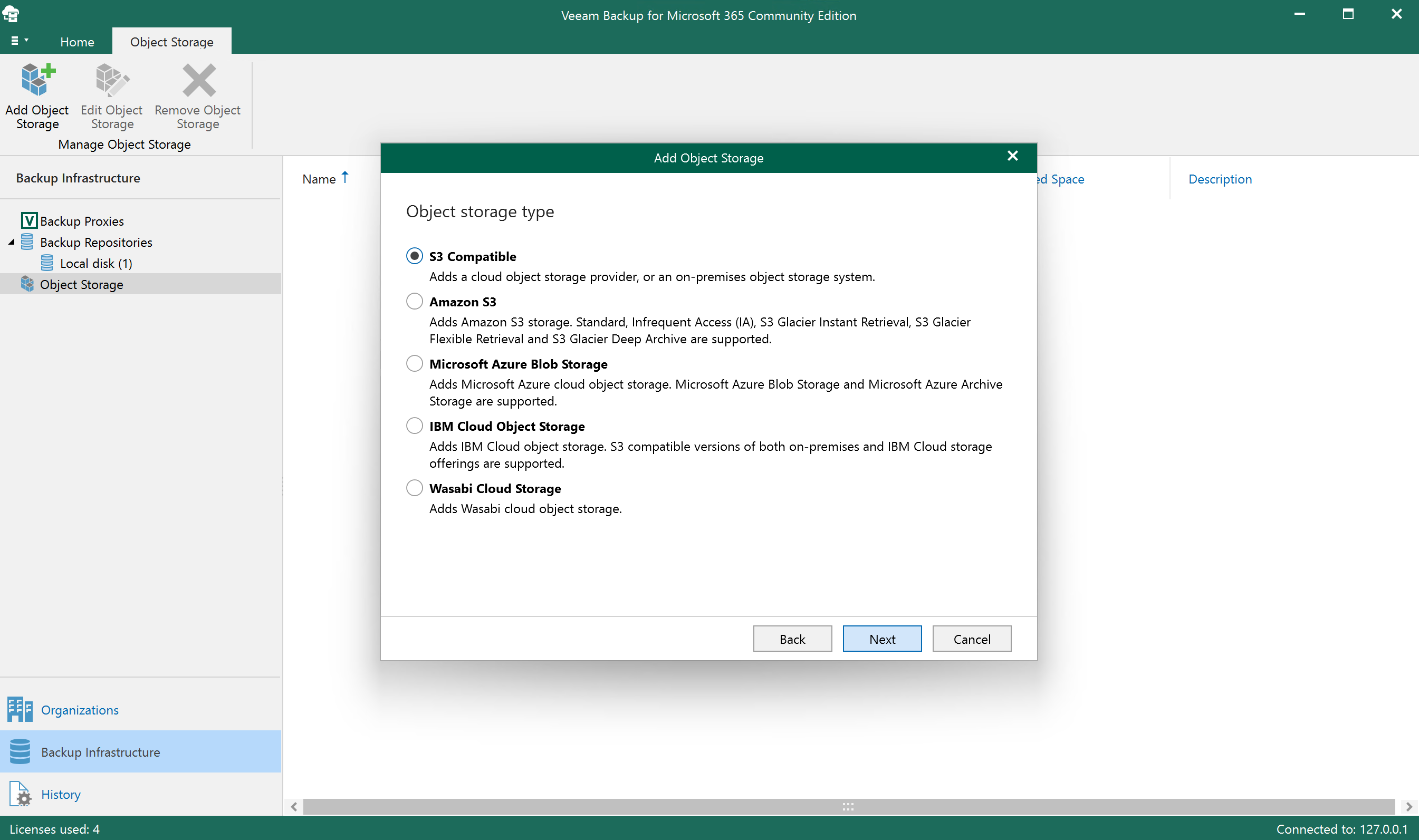
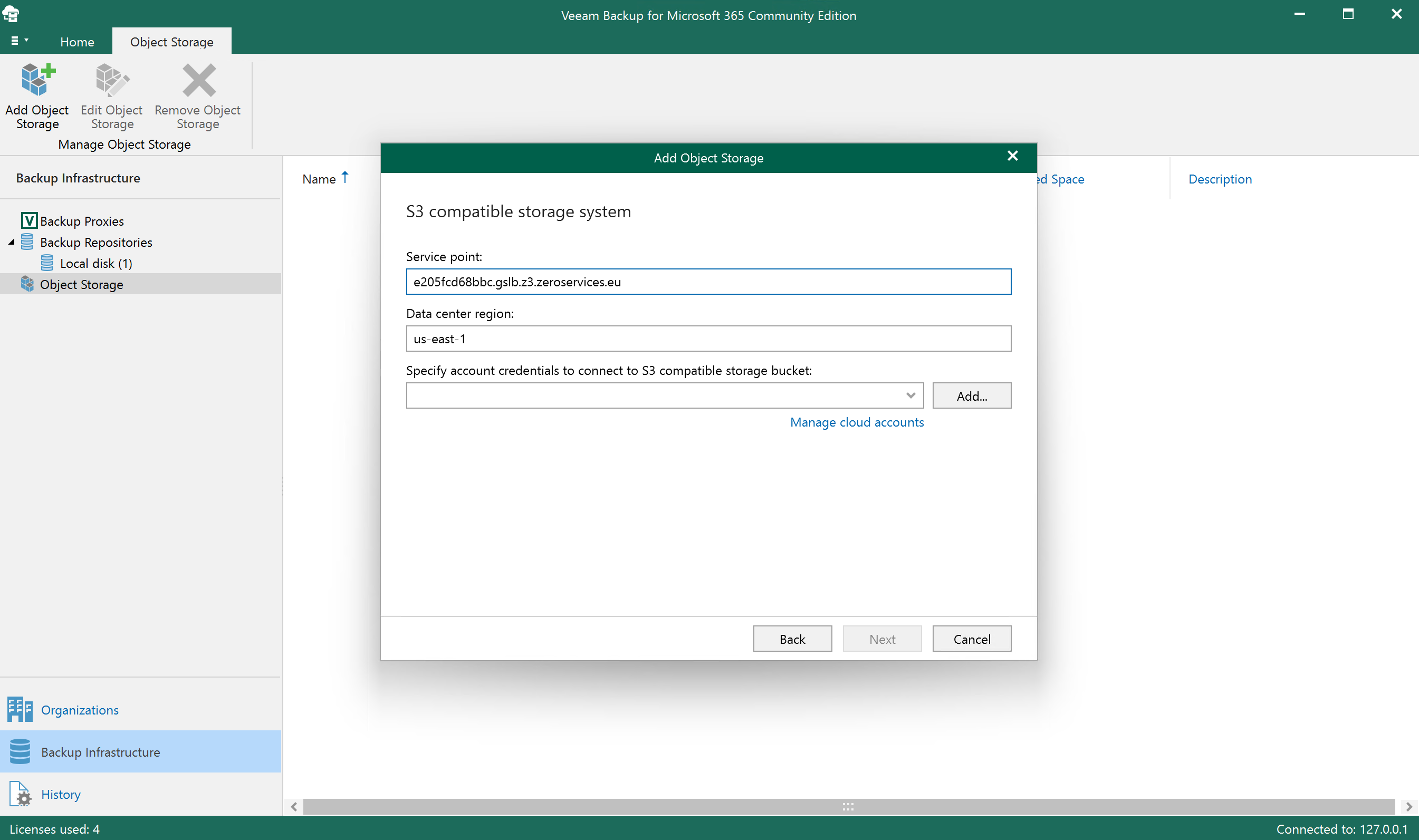
- Credentials: your access key and secret key.
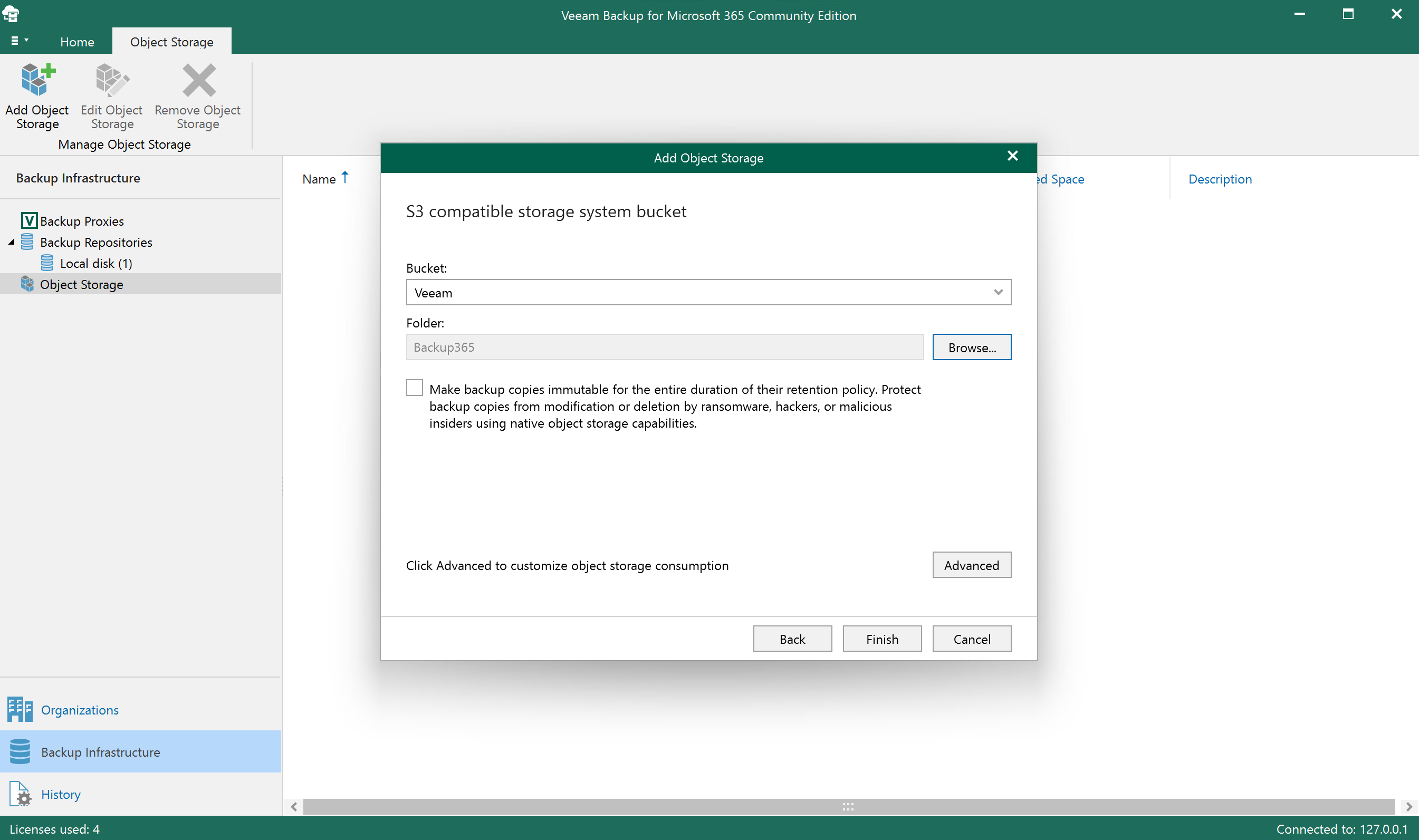
- Select your bucket and create a folder for this repository.
- Immutability: tick "Make recent backups immutable for N days". This requires an
Object Lock bucket.
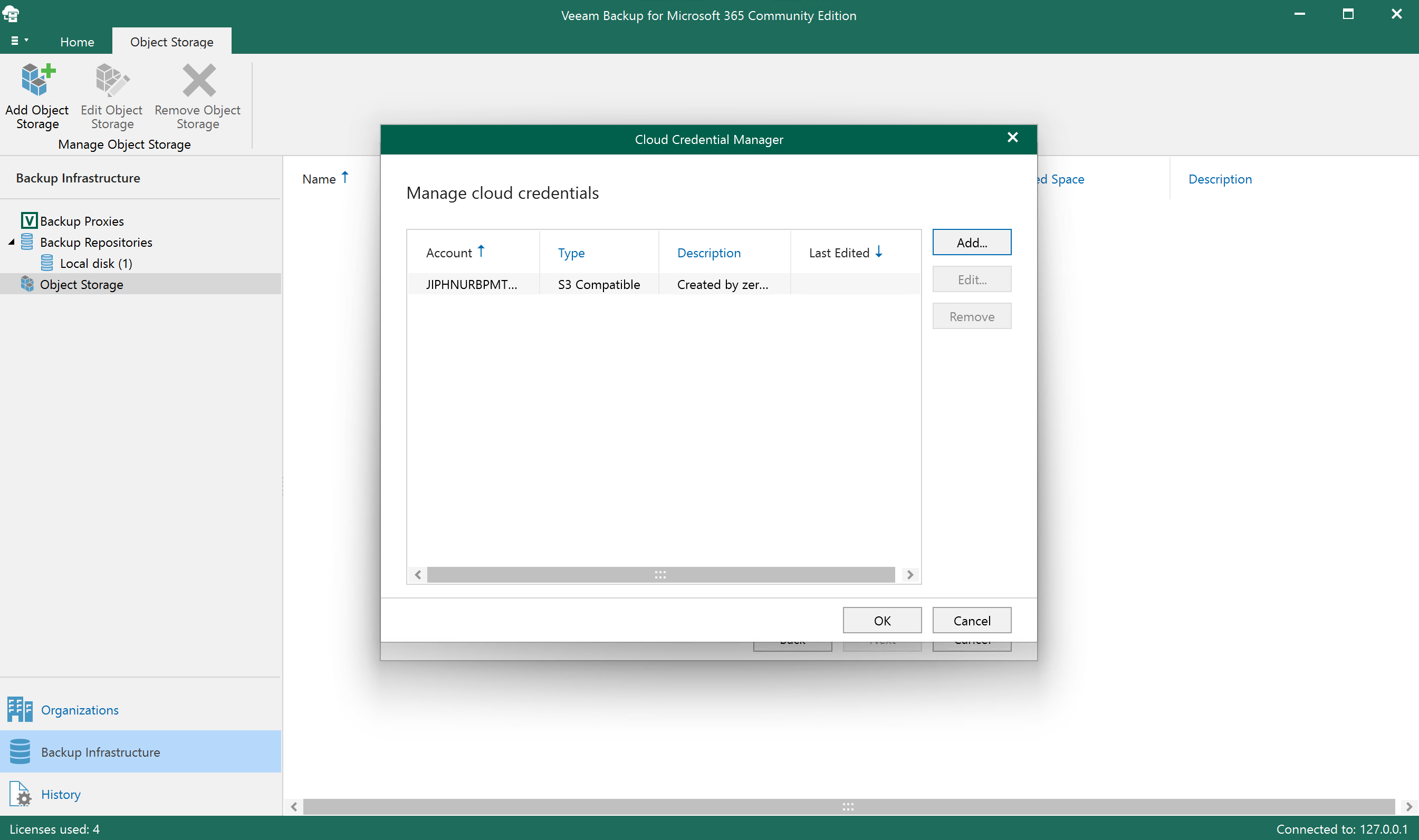
- Set capacity and task limits as needed.
- Review the summary.
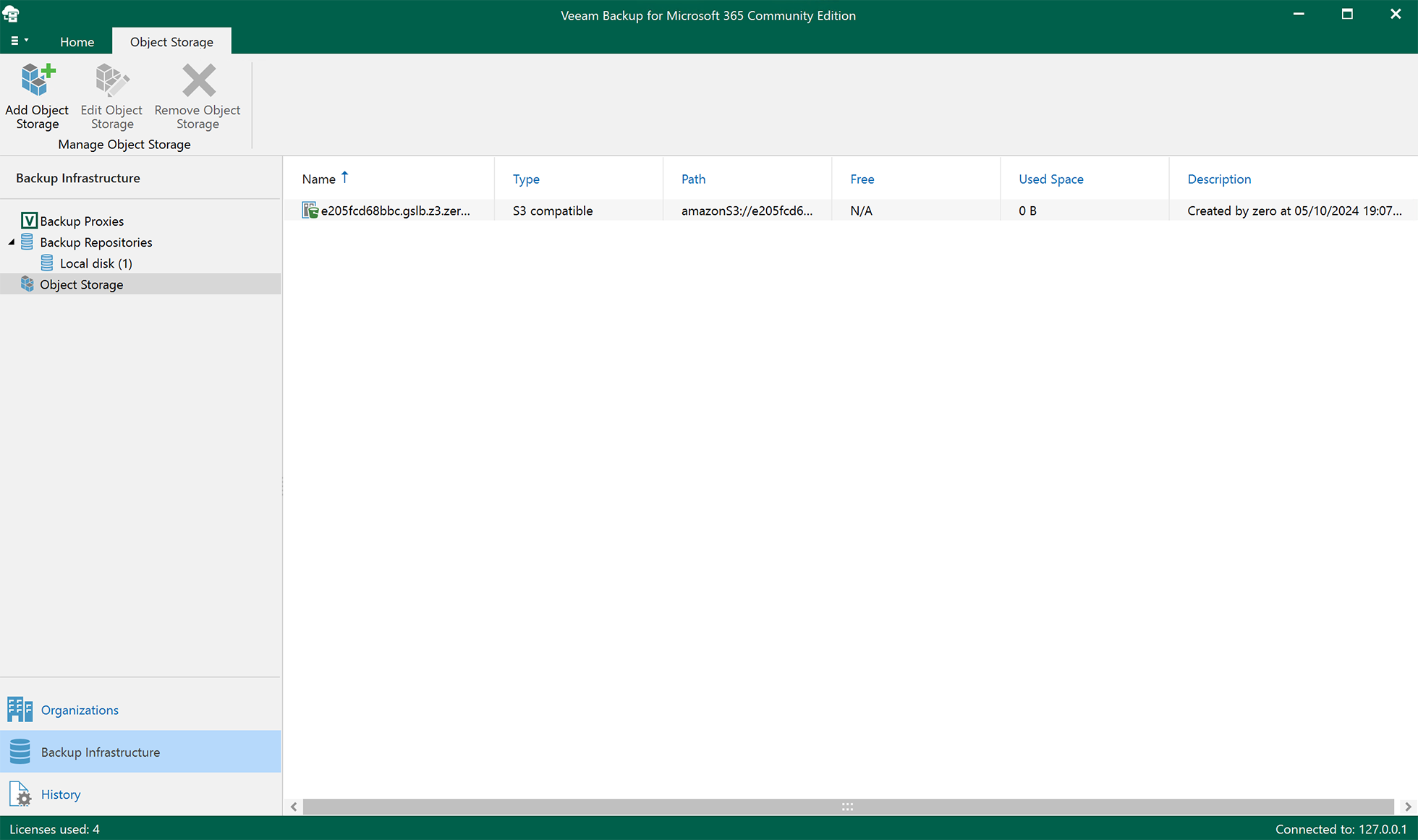
- Finish. The repository can now be used in backup jobs or as capacity tier.
What to expect on the bill
Veeam writes backups as many objects of roughly 1 MB, which is well above the 64 KB minimum object size. Immutable restore points stay stored, and billed, until their retention expires; see the billing model. A restore reads the data back and counts as egress.
Cancelling
A repository under immutability retention cannot be emptied early. The account can be cancelled once the bucket is empty, see cancellation.